
✓
Custom header and footer
Implemented by the supplied source project and expanded in the source reference below.
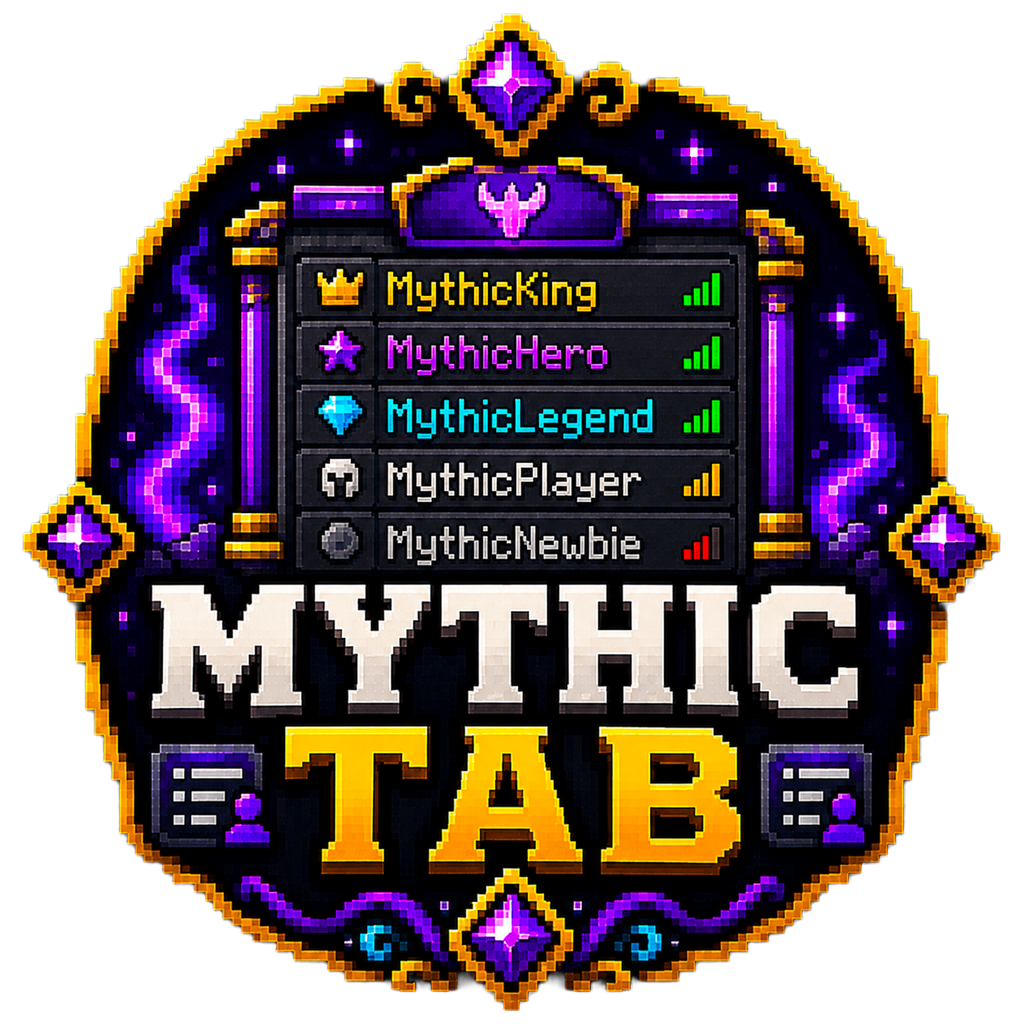
A rank-aware tablist with custom branding and live placeholder data.
Full overview
MythicTab turns the player list into a branded server interface. Headers and footers can show server information while player entries include rank formatting and live data.
Sorting is independent from scoreboard teams, so rank order does not interfere with unrelated scoreboard systems.
How it works
The configuration defines update timing, rank order and formatting for each group.
Built-in tokens and PlaceholderAPI values can be used in the header, footer and Tab-Name template.
Administration
Commands, permissions, configuration files and architecture are documented below from the supplied project.
Feature breakdown
Feature coverage is backed by the supplied project source.
Implemented by the supplied source project and expanded in the source reference below.
Implemented by the supplied source project and expanded in the source reference below.
Implemented by the supplied source project and expanded in the source reference below.
Implemented by the supplied source project and expanded in the source reference below.
Implemented by the supplied source project and expanded in the source reference below.
Implemented by the supplied source project and expanded in the source reference below.
Getting started
Review the source-verified reference before production deployment.
Install optional integrations as needed.
Set Rank-Order to exact group names.
Configure group display names, prefixes and colours.
Edit Header, Footer and Tab-Name, then reload.
Source-verified reference
This static reference is built from the supplied plugin.yml, YAML resources and Java source. No browser-generated documentation is used.
Commands
Aliases, usage and permissions come directly from plugin.yml.
MythicTab admin command
Aliases: /mtab, /tab · Usage: /mythictab reload · Permission: None declared
Permissions
Defaults and descriptions come directly from plugin.yml.
Allows access to MythicTab admin commands
Default: op
Configuration reference
Top-level sections and defaults are summarised from the supplied resources.
Source architecture
me.Ghoul.MythicTab (1)
Main
Tokens & placeholders
Availability depends on the feature that references each token.
Related projects
 Public Plugin
Enchanting Overhaul
Turn enchanted books into a living, physical arcane library.
 Public Plugin
Inventory Utility
Let players decide exactly which items enter their inventory.
 Public Plugin
Cosmetics & Economy
Purchasable join and leave messages with real player identity.